Why the comparison matters before you buy
When you buy Outlook accounts for multi-accounting, the first decision is which kind of account to pick. The two options that come up most often are trusted OAuth2 Graph-enabled accounts and standard Outlook mail accounts. They look similar at first glance, but they are built for different jobs.
This post compares the two so you can match the account type to what you actually plan to do. We cover IMAP, POP3 and Graph access, recovery mail setup, and what each option does and does not support when you run several accounts at once.
The short version: who each option is for
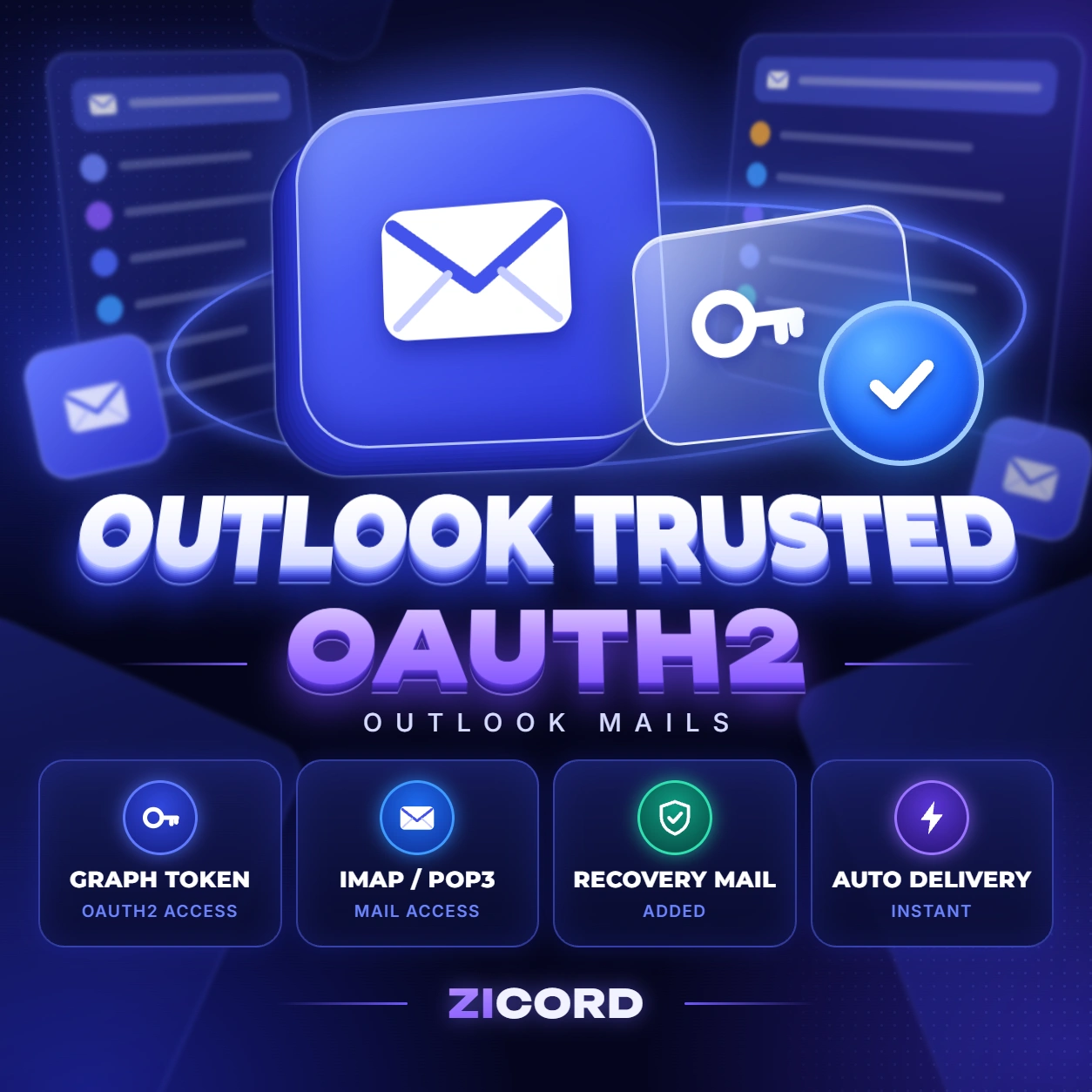
An OAuth2 Graph-enabled account is the right choice when you need full API-level access, for example running multiple accounts through a management workflow that talks to Microsoft Graph. It comes with IMAP, POP3 and Graph support, plus a recovery mail already added.
A standard Outlook account suits buyers who mainly need a working mail address for signups and verifications, without the extra configuration that OAuth2 tokens involve. If your workflow does not use the Graph API at all, a standard account is often enough and costs less setup effort.
What an Outlook trusted OAuth2 account actually is
Our Outlook Trusted OAuth2 account is delivered in a specific format: mail, password, refresh token, client ID, recovery mail and recovery password. That bundle of details is what "full Graph details" means.
The refresh token and client ID are the pieces that let you authenticate through Microsoft Graph as an application, rather than logging into the webmail interface every time. This is what makes the account usable with IMAP, POP3 and Graph calls.
Delivery is instant and automatic. The recovery mail is added before the account reaches you, so you take control of the recovery address straight away instead of having to add it yourself.
What OAuth2 does for multi-accounting
OAuth2 token-based access is built for automation. Because the refresh token handles re-authentication, it reduces the manual sign-in work you repeat across many accounts. That is the core reason buyers choose this tier for larger setups.
The tradeoff is that you must store and protect the tokens and client ID. Losing the token or the recovery password means losing the access path, so secure these details before you start working with the account.
How a standard Outlook account differs
A standard Outlook mail account gives you a mailbox you can sign into directly. If you are not listed among our products today, the closest guidance is that a plain account runs through the regular Outlook login flow rather than an API token.
For basic use such as receiving verification emails, creating profiles on forums, or holding a mailbox for contact purposes, a standard account covers the job. It does not give you the same programmatic control, so it suits manual workflows over automated ones.
Where the two diverge is scale. The moment you automate sign-ins or call Microsoft endpoints, the OAuth2 account with Graph details becomes the practical option.
Comparison of the two Outlook account options
| Aspect | Outlook Trusted OAuth2 | Standard Outlook |
|---|---|---|
| Access methods | IMAP, POP3 and Graph | Regular mail login |
| API authentication | OAuth2 refresh token and client ID | Not published |
| Recovery mail | Added before delivery | Not published |
| Delivery | Instant, automatic | Not published |
| Best for | Automated, multi-account workflows | Manual mailbox use |
| Discord use | Does not work | Not published |
One thing every buyer should know before choosing either option: the OAuth2 account does not work with Discord. If your purpose for the Outlook account involves Discord, this tier will not serve you, and the store does not replace accounts where Discord disables them after delivery.
Why recovery mail and OAuth2 belong together
Recovery mail is the strongest single safeguard you control on any Outlook account. If anything happens to your primary login, the recovery address is how the mailbox can be regained.
On the OAuth2 tier, the recovery mail is in place from the start. That removes a common failure point where buyers forget to add one, or where the account never had a recovery path configured. You receive the recovery mail login along with the main account, so both are in your hands at delivery.
This matters more for multi-accounting because a lost account in a large setup is harder to track down and replace than a single mailbox. Starting with recovery already configured is a real advantage.
Securing your account right after delivery
Whatever tier you buy, the first minutes after delivery set the safety of the account. Start by changing the mailbox password from the one provided.
Next, enable two-step verification where the option is available. On the OAuth2 account, keep the refresh token and client ID somewhere private, and note that changing the password does not replace the token. Review the recovery mail details and confirm you can log into them.
Do all of this before you begin the work you bought the account for. A few extra minutes here prevents most avoidable losses.
Warranty, replacements and the honest limits
Sales are final and all accounts are checked before they are sold. If an account does not work, we replace it only when you send a video recording that shows the whole process, from buying the account to trying it.
Without that recording we cannot replace the account. To request a replacement, contact us on Discord or Telegram with your order ID, the email you used at checkout, the video recording, and a short description of the problem.
Two things are never replaced: accounts that Discord disables after delivery, and accounts where Discord revokes a promo such as Nitro. Read those limits before you buy, especially if Discord is part of your plan.
Finally, an honest note that applies to every account of this kind. Buying, selling and sharing accounts and using OAuth2 access for multi-accounting can violate the terms of service of the relevant publisher, and that can result in suspension or permanent loss of the account or the goods. When you use a service on your own account, you are sharing access, and the store will not replace an account lost in that way. Treat every purchase with that reality in mind.
Which one should you buy
Choose the Outlook Trusted OAuth2 account if your workflow will call Microsoft Graph or run automated sign-ins across many mailboxes. The IMAP, POP3 and Graph support, the pre-added recovery mail, and the instant automatic delivery all point in its favor for that use.
Choose a standard Outlook account if you mainly need a mailbox for manual signups and verifications. It is the simpler route when API access is not part of your setup, and it avoids the extra duty of storing tokens and client IDs safely.
If you are still weighing your options, browse the Hotmail and Outlook category, confirm what each listing delivers, and match the account type to the actual work you plan to do.